

Workplace guest Wi-Fi
Often locked down to web and email. OpenVPN TCP usually connects. The guest terms are often on the sign-in page, so read them.
Some office, college and hotel networks only let a few kinds of traffic out, so a VPN that connects at home sits on "Connecting" at work. In Tunnexa, try OpenVPN TCP first: it's the protocol made for strict Wi-Fi. And check the network's rules before you switch, because they still apply with a VPN on.
 OpenVPN TCP for strict Wi-FiStealth for the stubborn onesFree with an account
Strict networks are built to keep traffic predictable. An office wants work apps and the web to run, a campus shares one connection across a lot of people, and a hotel often runs whatever rules its router shipped with.
The simplest way to get there is to close almost every door. Web pages travel over TCP, so that door stays open. A lot of other traffic uses UDP, and so do WireGuard and OpenVPN UDP. Close UDP and those protocols stall.
A few networks go further and look for VPN traffic on purpose. That’s a different problem with different fixes, covered in our guide to getting through VPN blocks.
The network closes UDP.
A Wi-Fi sign-in page is waiting.
The Wi-Fi's own rules are stricter.
The network looks for VPNs on purpose.
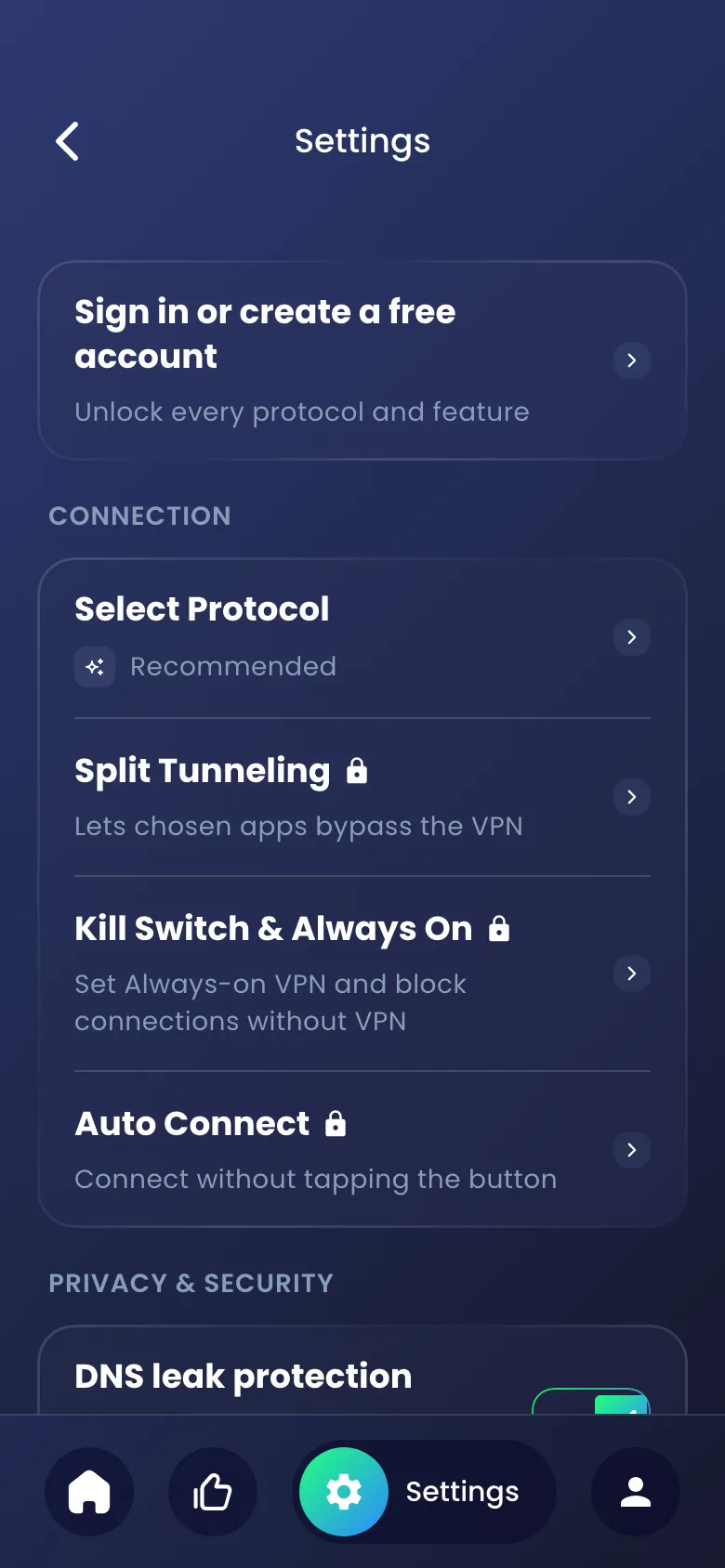
Switch protocol in Settings › Select Protocol. Go one rung at a time, and stop at the first one that connects.

Start here. On a relaxed network it picks well and you never think about it again.

"Works on strict Wi-Fi at work, school or hotels. A little slower."
The app's own pick for strict networks. TCP checks every packet arrived, which costs a little speed, but a slower tunnel beats no tunnel. Compare OpenVPN UDP vs TCP.

If even TCP gets cut off, the network is probably looking for VPNs. Stealth blends in as normal website traffic. See how the Stealth VPN protocol works.
Try another location, then visit the Tunnexa help center for connection fixes.
Your employer, college or hotel owns the network, and its acceptable-use policy still applies when Tunnexa is on. If the policy says no VPNs, switching protocol doesn’t turn that into a yes.
So ask IT first. Most teams will tell you what’s allowed, and plenty say yes for a good reason, like privacy on a shared guest network.
Two more things. On a work-managed phone, IT may control which VPN apps can run at all. And if your job gives you a company VPN for work apps, use that one for work.
Same problem, four settings. Here's what usually works in each.
Often locked down to web and email. OpenVPN TCP usually connects. The guest terms are often on the sign-in page, so read them.
Shared by a lot of people, so UDP is sometimes limited or closed. OpenVPN TCP is the steady choice. Your college's IT pages list what's allowed.
Finish the room-number page first, then connect. If it still stalls on "Connecting", switch to OpenVPN TCP.
Busy, shared and often set up in a hurry. Connect before the first session, while the network is still quiet.
Still stuck? Write to us at support@tunnexa.com.
College and campus networks often close UDP, which WireGuard and OpenVPN UDP rely on. Switch to OpenVPN TCP in Settings › Select Protocol. Check your college's network rules first, because they still apply.
That's your employer's call. Many allow it on guest Wi-Fi, and some don't allow it at all. Read the acceptable-use policy or ask IT before you connect.
Start with OpenVPN TCP. If nothing connects, try Stealth, which looks like normal website traffic. Both are free with a Tunnexa account.
The network can usually see that you're connected to a VPN server, when, and how much data you use. It can't read what travels inside the tunnel. A work-managed phone is different: IT may see more on the device itself.
TCP makes sure every packet arrives and resends any that don't. Inside a VPN, that extra care adds a little delay. Use it on strict networks and switch back to Recommended when you're home.