

Get it on Google Play
Open the Tunnexa VPN listing and tap Install.
Get the free VPN app from Google Play. It runs on Android 7.0 and later, and you can connect as a guest, with no account needed.
 No account neededStrict no-logs policyPhones and tablets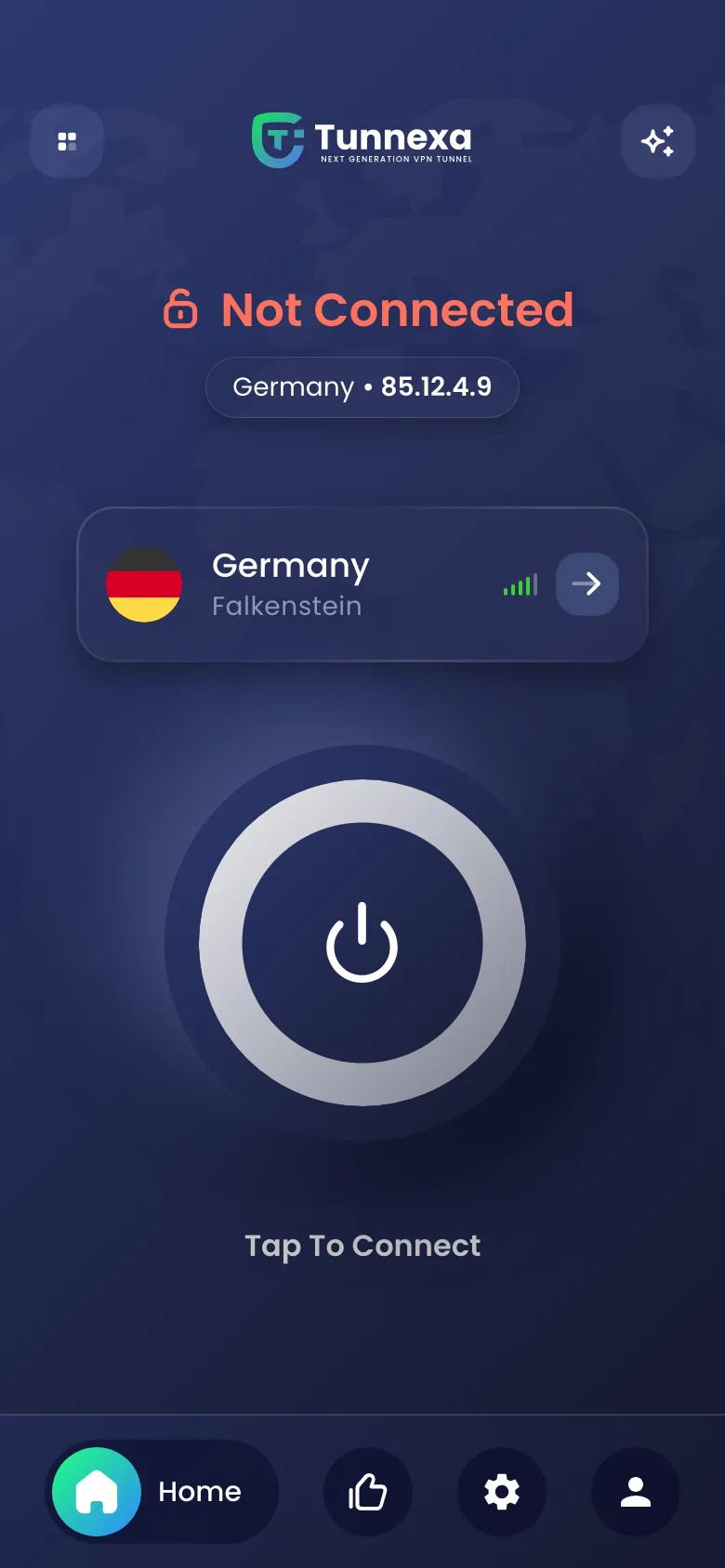
 Tunnexa VPNFree on Google Play
About a minute from download to connected.
Open the Tunnexa VPN listing and tap Install.
Tap Skip to use it as a guest, or sign in free with an email code, Google or Apple.
Tap the big button on the home screen. You can change location any time.
Android asks once before any VPN can connect. Tap OK and the ring turns green.
Want the full walkthrough? Read how to set up a VPN on Android, or see what's included free.
We don't offer an APK, and we don't publish Tunnexa on other app stores. A copy from somewhere else may have been changed, so it can't keep the promises in our Privacy Policy.
Seen Tunnexa somewhere else? Tell us at support@tunnexa.com.
Yes. Tunnexa is free on Google Play, and a free account unlocks every protocol and the extra privacy tools.
No. Tap Skip to connect as a guest. A free account adds the Kill Switch, Split Tunneling, Auto Connect and every protocol.
Android 7.0 or later, on phones and tablets.
No. Tunnexa is only available from Google Play, which keeps it signed and up to date.
No. Tunnexa is an Android app.