

Always-on VPN
Free accountKill Switch & Always On opens Android's VPN settings, where you can keep Tunnexa always on and block connections without VPN.
How the Kill Switch works →Tunnexa is a free VPN app for Android 7.0 and later. It works with Android's own VPN controls, so you can keep it always on, choose which apps skip the tunnel, and connect the moment you open the app.
 Android 7.0 or laterPhones and tabletsFree on Google Play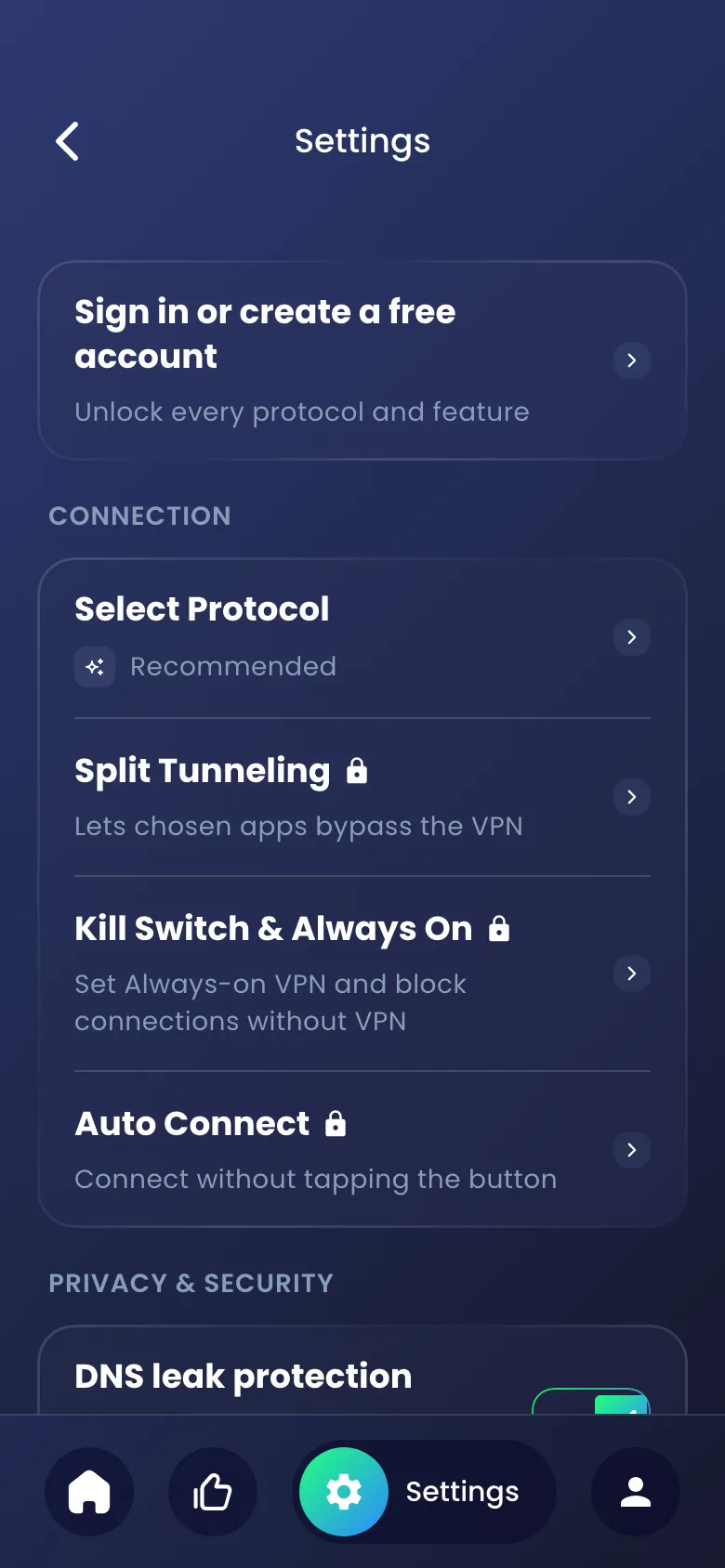
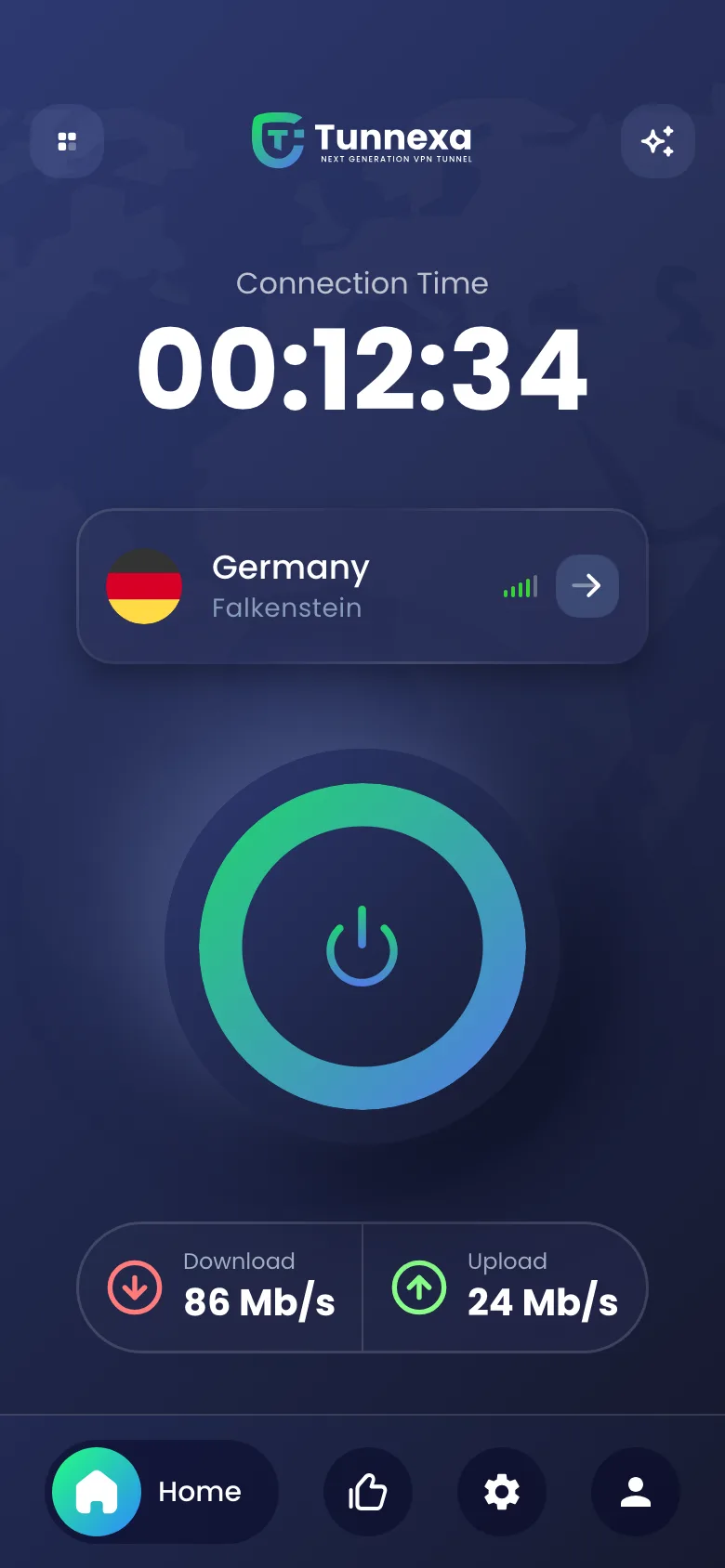
Tunnexa uses Android's built-in VPN features instead of working around them.
Kill Switch & Always On opens Android's VPN settings, where you can keep Tunnexa always on and block connections without VPN.
How the Kill Switch works →Pick apps, like banking or maps, that use your normal connection. Everything else stays in the tunnel.
Set up Split Tunneling →Connect the moment the app opens. After a restart, a Tap to connect notification gets you back in one tap. Both are off until you turn them on.
About Auto Connect →WireGuard for everyday speed, OpenVPN for tricky connections, and AmneziaWG or Stealth for networks that block VPNs.
Compare the protocols →On from the first tap, for guests too. Every lookup stays private, inside your tunnel.
The layout adapts to bigger screens, so Tunnexa feels at home on Android tablets too.
Get it free from Google Play. It needs Android 7.0 or later.
Tap Skip to connect as a guest, or sign in with an email code, Google or Apple to unlock every feature.
The first time, Android asks you to allow the VPN connection. Tap OK, and the ring turns green.
Signed in, open Settings › Kill Switch & Always On, then turn on Always-on VPN and Block connections without VPN.
Stuck on a step? Visit the Tunnexa help center.
Use this list to judge any Android VPN, including ours.
| What to check | Tunnexa |
|---|---|
| A clear no-logs policy |
Strict no-logs policy
|
| Modern protocols |
WireGuard, OpenVPN, AmneziaWG and Stealth
|
| DNS leak protection |
On by default
|
| Kill switch support |
Kill Switch & Always On, with a free account
|
| Split tunneling |
Per app, with a free account
|
| Options for networks that block VPNs |
AmneziaWG and Stealth, with a free account
|
| Use it without signing up |
Yes, as a guest
|
Still unsure? Write to us at support@tunnexa.com.
Android 7.0 or later, on phones and tablets.
Android asks before any app can set up a VPN. Tap OK once, and Tunnexa can connect from then on.
Sign in for free, then open Settings › Kill Switch & Always On in Tunnexa. It takes you to Android's VPN settings, where you can turn on Always-on VPN and Block connections without VPN.
Yes. With a free account, Split Tunneling lets chosen apps bypass the VPN while everything else stays protected.
No. Tunnexa is an Android app.